

The Mac Terminal for Developers — Beginner to Confident User
Learn Terminal navigation, file management, aliases, output handling and basic scripting with practical macOS-focused examples.

Useful skills, not filler.
- Navigate the macOS file system confidently from the command line.
- Create, move, rename and manage files and directories without leaving the Terminal.
- Use aliases and command output more effectively in everyday development work.
- Understand the foundations needed to start writing useful shell scripts.
A practical course designed to make the command line feel like a normal part of your development workflow instead of something you only copy commands into.
Who this course is for
This course is aimed at developers who use a Mac but still feel hesitant in the Terminal. It starts with the basics and builds toward the everyday command-line habits that make development work faster and more predictable.
What the course covers
You will work through navigation, file and directory management, aliases, command output and the foundations of basic scripting using practical macOS-focused examples.
The goal is not to memorize a long list of commands. It is to become comfortable enough with the Terminal that it feels like another normal development tool.
Start with a field note.
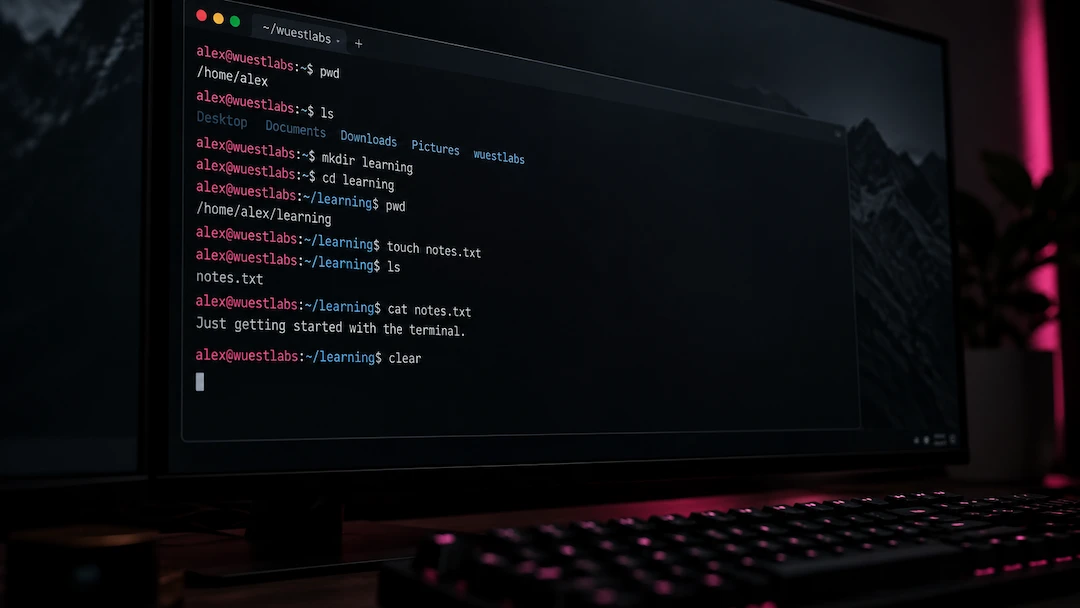
Basic Terminal Commands for Beginners
View the Terminal as a dialogue with your computer. With it you can directly commnunicate on a highly performant level. In this blog post I give you an overview of the basic commands and what the terminal actually is.

From Blog Post to Course: Launching My First Udemy Course
What started as a simple blog post about terminal basics eventually grew into something much bigger. In this post, I share why I created my first Udemy course, what I learned during the process and how Wuest Labs continues to evolve.